Payment processing for events and attractions
Take payments online, at the gate and on the go, with Stripe or Square connected to your Beyonk account. Every booking, sale and refund sits in one dashboard.


Choose how you get paid
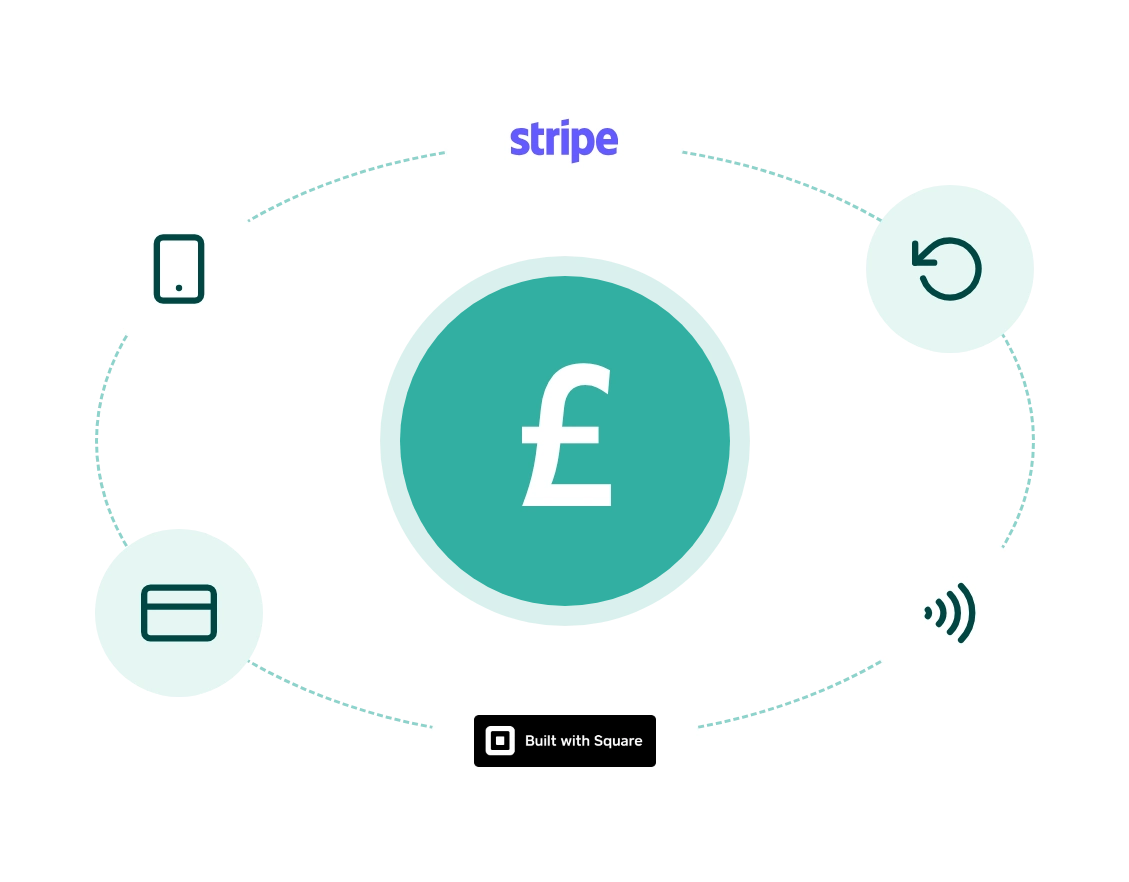
Beyonk works with two payment processors. Connect the one that suits the way you run your venue, and manage bookings, refunds and reports in Beyonk either way.
Stripe
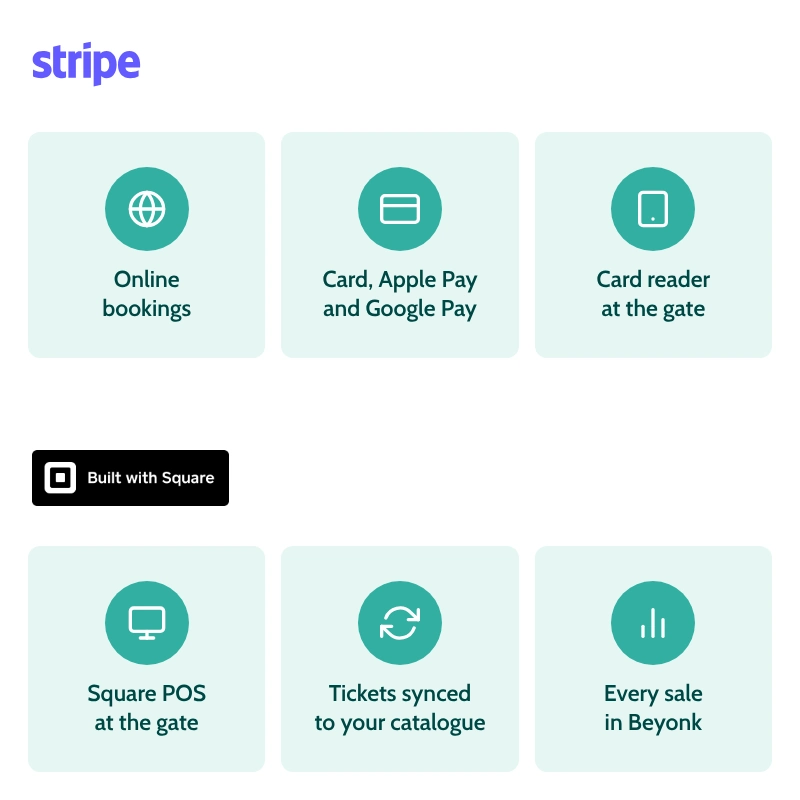
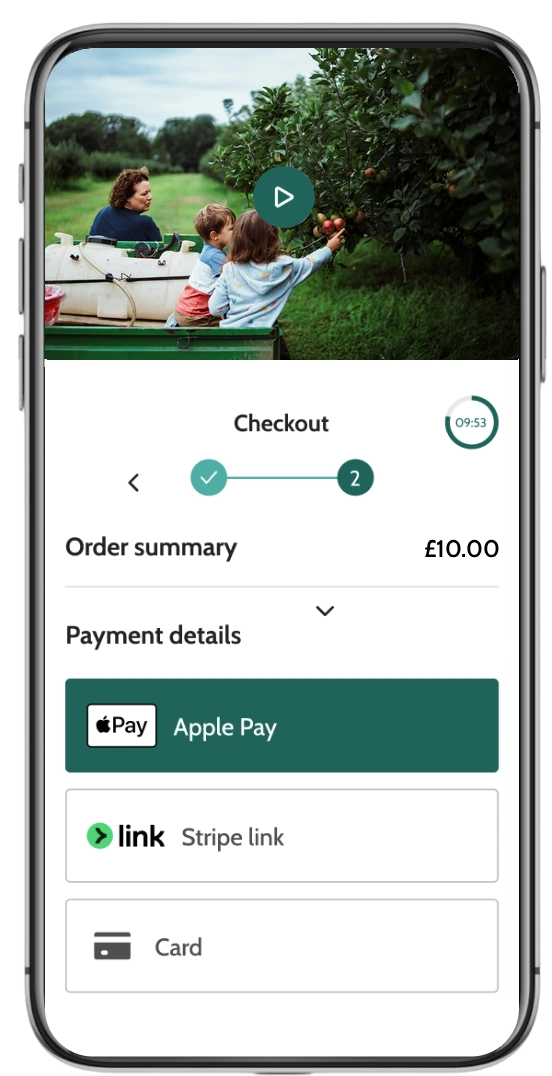
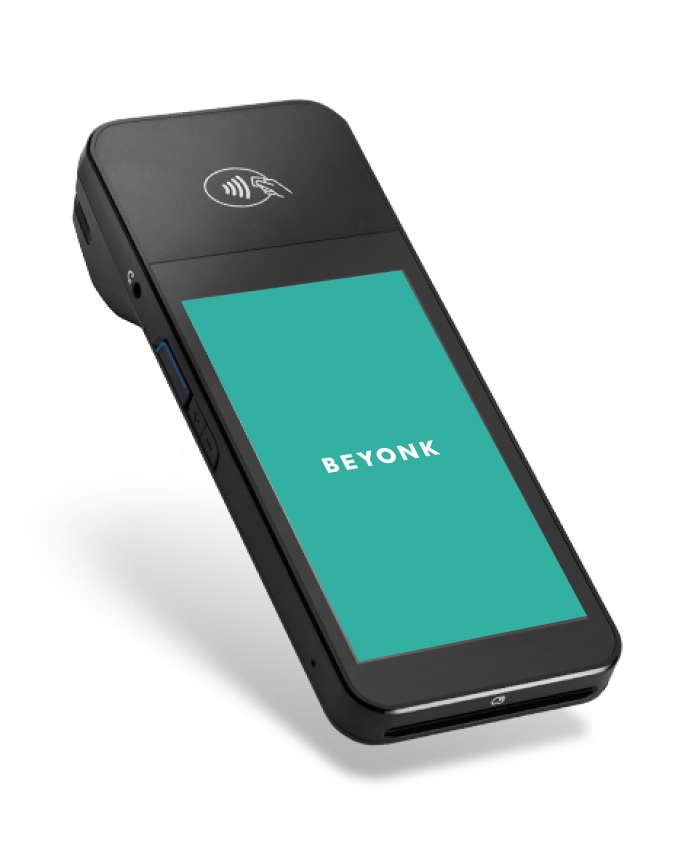
Take online bookings by card, Apple Pay and Google Pay, and take card payments at the gate with the Beyonk card reader. Learn more about Stripe payments
Square
Already selling at the gate with Square? Sync your Beyonk tickets into your Square catalogue so your team can sell them on your existing Square POS, with every sale recorded in Beyonk. Learn more about the Square integration
A checkout that works on any phone
Most visitors book on their phone, so your checkout lets them pay the way they already do. Card, Apple Pay and Google Pay are built in, including when the booking widget is embedded on your own website.
In Beyonk’s 2026 Visitor Attraction Report, digital wallets made up 42% of transactions at UK attractions in the first half of 2026, with Apple Pay at 36% against card at 38%.
Take payments at the gate
Sell to walk-ins without running a second system. Use ePOS with the Beyonk card reader to take card, phone or contactless payments, or sell through Square POS or Epos Now if you already use them. Gate sales land in the same dashboard as your online bookings.
Refunds and reporting in one place
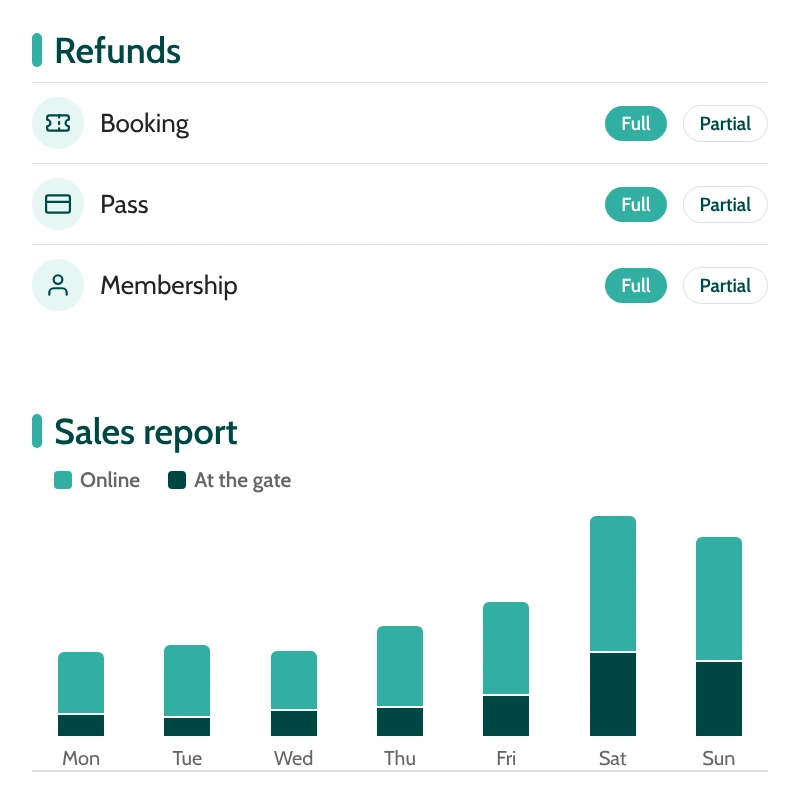
Refund a booking, pass or membership in full or in part from your dashboard, whichever processor took the payment. If you move from Stripe to Square, you can still refund payments taken before the switch.
Online and in-person sales are recorded against each booking, so you are not reconciling two systems at the end of the day.
Beyonk Finance also includes Lending.
Frequently asked questions
What payment processors does Beyonk work with?
Can visitors pay with Apple Pay and Google Pay?
Can I use my existing Square account?
Can I take payments in person?
How do refunds work?
What does payment processing cost?
Can I switch from Stripe to Square?
Get a free demo of Beyonk's booking system
We’ll connect you with a bookings expert to explore ways to simplify your operations, increase revenue and delight your visitors — and we promise to make it worth your time.